Collaborative worldbuilding
A world takes shape
between people.
Bring a place, a character or a mystery. Develop it with other writers and builders, and let players discover what you make together in Icesus.
Sign in with your game character. Building access follows approval of your area plan. New here? See how to begin.

Bring your craftWriting, encounters and a sense of place

Build within a shared settingLearn its geography and history

Review it togetherTurn feedback into a stronger area

Give an idea somewhere to go.
You may already have a memorable inn, a troublesome faction or a road with a story. A shared world gives you a place to develop it with other people.
Start by showing a small piece of the idea. Explain who it is for, what someone can do there and what help you would welcome. That makes it easier for another contributor to respond and build on it.

Shared authorship, with a place for your voice.
Collaborative worldbuilding means developing a setting together. The group agrees on its history and tone, and on how additions become part of the world.
In Icesus, those additions can become rooms, people and encounters that players use. Your work has neighbours, so an area needs to connect to the geography and stories around it.
You still bring your own eye for a scene. The shared setting gives that scene context and people who can help it grow.
Choose the kind of collaboration you enjoy.
On a small screen, scroll the table sideways to compare.
| Format | What you make together | What to agree on |
|---|---|---|
| Tabletop group | A setting and the adventures your group plays | Who can add facts and how those facts affect the campaign. |
| Shared wiki or writing project | Places, histories, characters and reference material | Canon, editing rights and review conventions. |
| Forum or play-by-post roleplay | An unfolding story in a shared setting | Turn-taking, character boundaries and continuity. |
| A multiplayer text world | Places and encounters that people can play through | Setting fit, game behaviour, testing and release review. |
Let players respond to the details.
A player may examine the sign you mentioned, ask the keeper about a rumour or try a side road first. That makes the writing part of an interaction.
Design those responses together. Ask someone else to walk through the area without your explanation, then note where they hesitate, what they try and what catches their interest. Use that feedback to revise the next draft.

The craft you already bring.
A sense of pacing
Give players somewhere to arrive, something to investigate and time to recover. Let a changing mood prepare them for the next encounter.
Plan an area →People with motives
An inhabitant’s immediate concern gives a conversation direction. Connect that concern to the place and the people around it.
Shape the inhabitants →Consequences worth following
Think beyond completing a task. Decide what the player learns, what changes and how the area behaves on a later visit.
Design a quest →
Make the agreement part of the craft.
Learn what is already there. Read nearby areas and the relevant lore. Discuss the connections before introducing a new faction, history or landmark.
Share the plan early. Set the intended audience, scope and responsibilities. Ask reviewers which assumptions need checking.
Work through feedback. Separate a personal preference from a problem with clarity, continuity or play. Revise, test and explain the change.
Agree before release. A draft becoming shared canon is a decision. In Icesus, completed areas go through wizard review before publication.
A workbench for your part of the world.
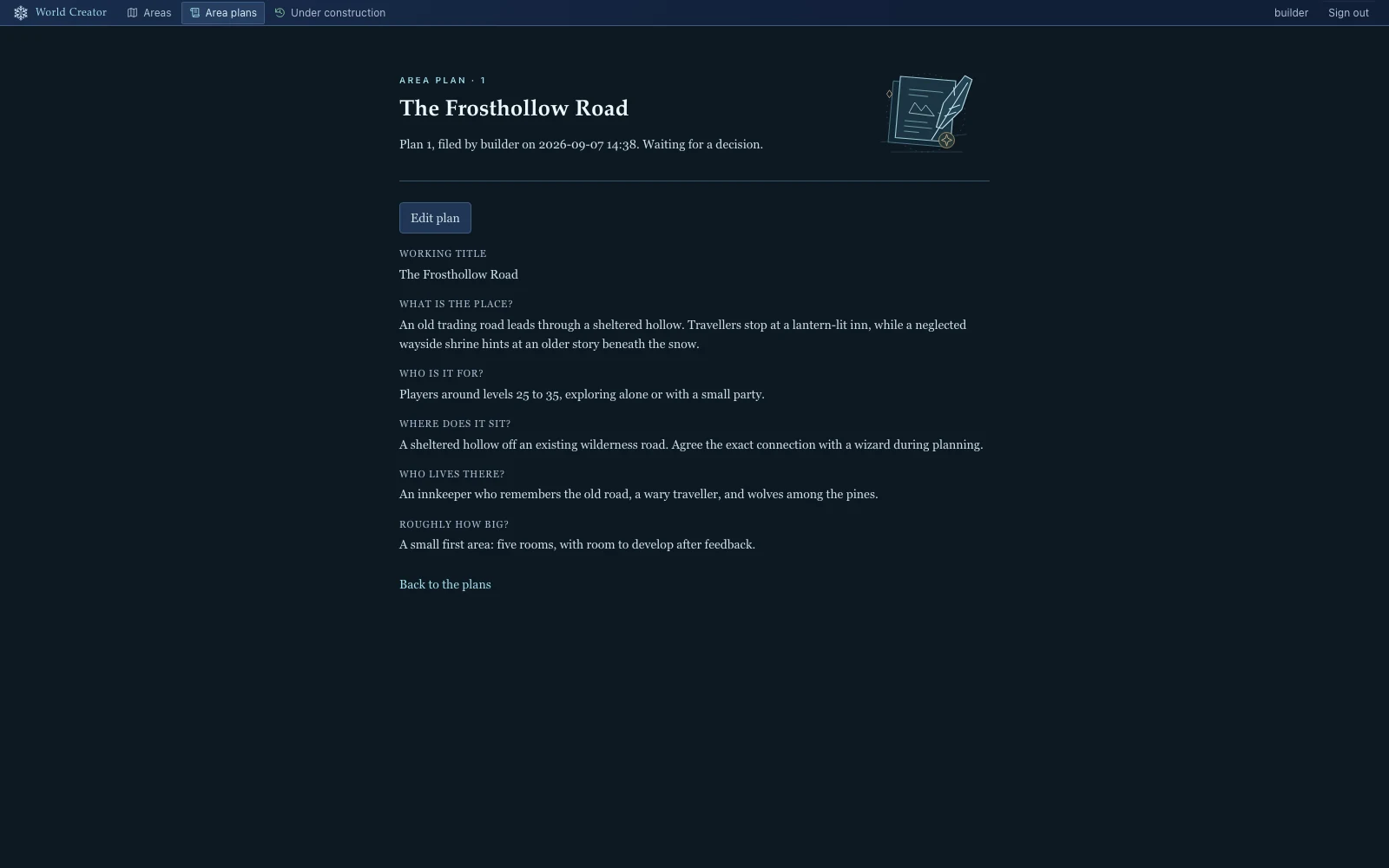
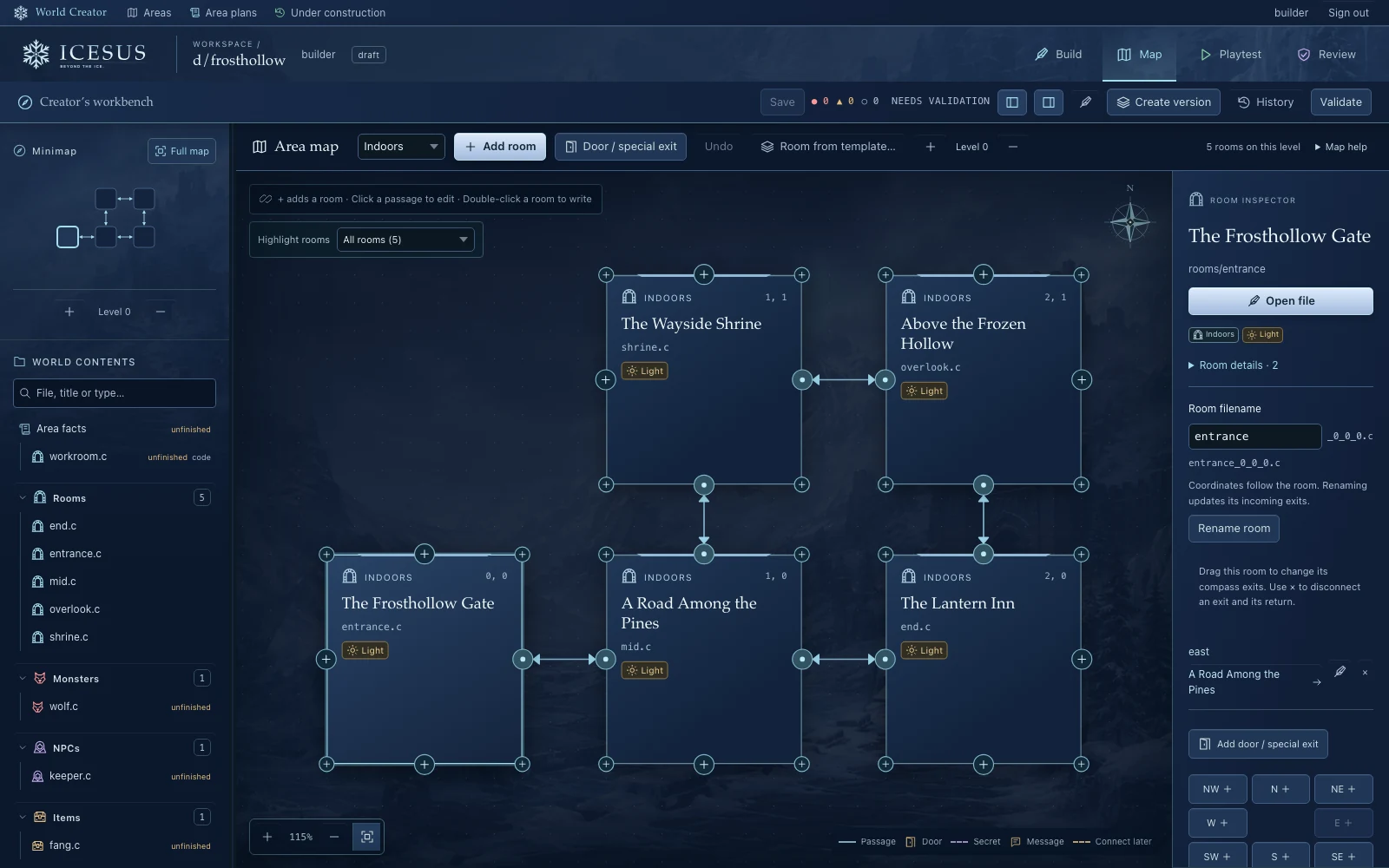
Icesus Creator is a browser tool for planning areas, connecting rooms and editing what lives in them. Descriptions and controls sit alongside the game source, so you can inspect and refine the result.
Icesus supplies the existing game systems; you supply the place, its writing and its design. Build access follows plan approval, and the finished work needs playtesting and review.
Contributing an area as a player is separate from becoming a wizard. If you want to develop settlements through gameplay, explore provinces too.
Your route into creating.
-
Get to know the game.
Start playing and reach player level 25. Bring clear English writing and an interest in how the world works.
-
Talk through an idea.
Join Discord and find #creator. Discuss a small area, then submit an area plan in Creator for review.
-
Build after plan approval.
Use your workspace to write and playtest. Submit the finished area for wizard review and work through the feedback.
You can join the conversation now.
You do not need a finished proposal to introduce yourself in #creator.
A few useful answers
What is collaborative worldbuilding?
Several people develop one shared setting, with an agreed history, tone and way to review changes. In Icesus, approved content becomes places and encounters in a multiplayer text world.
How is it different from writing my own campaign setting?
You share authorship and work within an existing setting. In return, you can draw on other contributors’ ideas and build for people beyond your own table. The result still needs testing and review.
Do I need to know how to code?
You can begin with writing, design and Creator’s visual controls. Content uses LPC source, and custom behaviour may need code. Learn from existing examples and ask for help as the design grows.
Can I bring my existing campaign setting?
Bring ideas and craft, then adapt them to Icesus. A character, mystery or local conflict may fit after revision. A whole setting with different geography or gods usually needs more substantial changes.
Where else can I do this?
Shared-world writing projects, wikis, forum roleplay and tabletop groups all support collaboration. Choose by whether you want to write reference material, tell stories together or build places people can play through.
How do I begin contributing to Icesus?
Creator lets players contribute areas with wizard review. Becoming a wizard is a separate path. Start by learning Icesus, reaching player level 25 and discussing an area plan with the community.
Keep exploring
Your next step
Bring an idea. Meet the people.
Tell us about a place you would like to make. Join #creator to learn how it could fit, then develop a plan together.
Sign in with your game character. Building access follows approval of your area plan. New here? See how to begin.